How to Read Deleted WhatsApp Messages on Android: What Can Be Saved?
Understand Android notification history, set up Realert, and learn what notification previews and media may be available after a message is deleted.
 Mohamed Diouane5 min read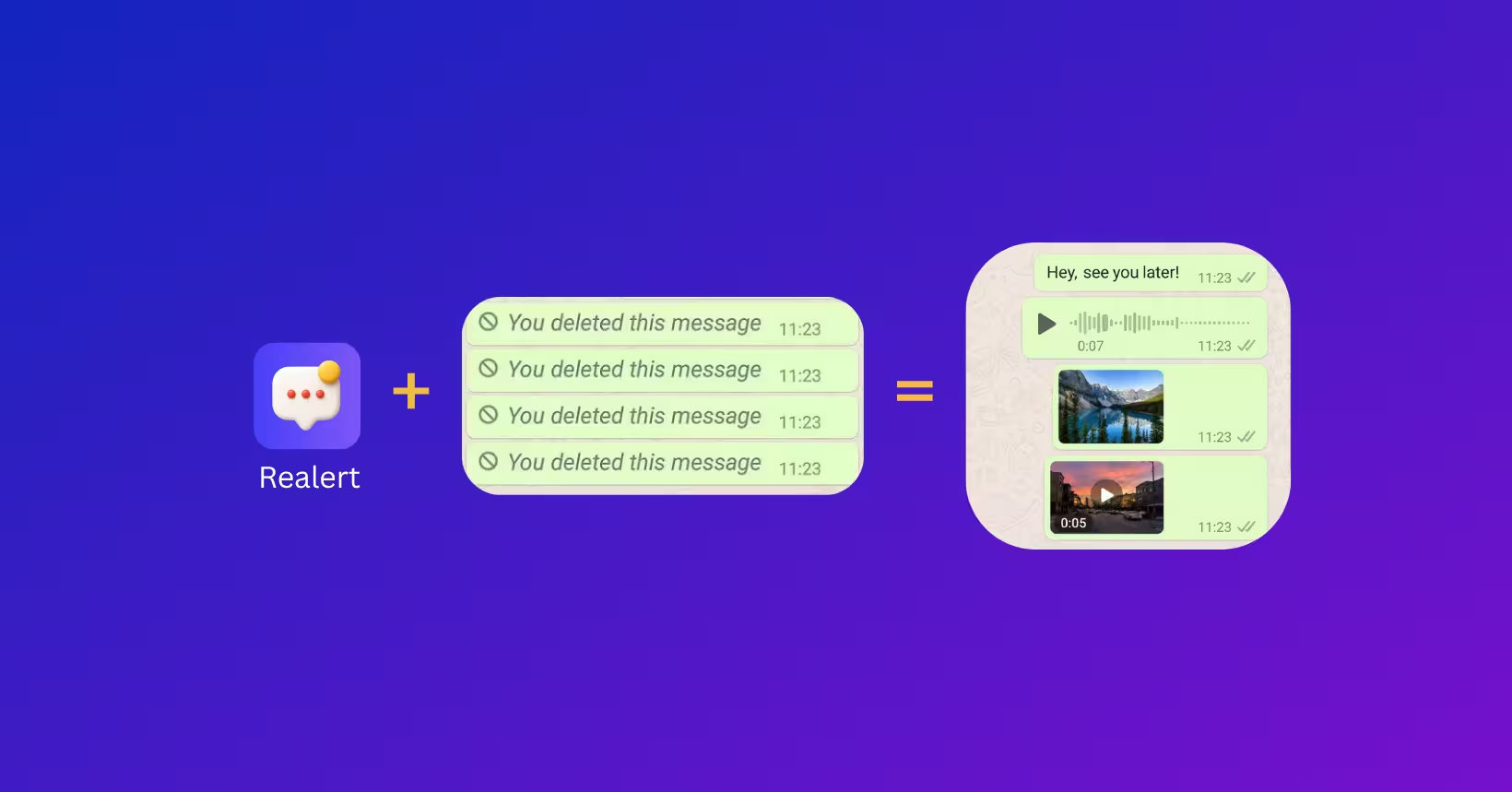
Finding “This message was deleted” can leave you wondering what you missed. On Android, you may be able to revisit a notification preview if it was saved before the original message disappeared. That is different from retrieving a message from WhatsApp’s servers or restoring a complete chat history.
What can actually be saved?
The result depends on what reached your phone. If readable text appeared in a notification while a history feature or notification-saving app was active, a copy may remain available. Realert cannot recreate messages deleted before setup, or messages that never produced an accessible notification.
- Privacy settings can hide the notification’s content.
- Muted conversations and chats already open on screen may not produce a usable notification.
- Battery restrictions and Android behavior can affect background capture.
Try Android notification history
Open Settings, then Notifications, and look for Notification history. Google explains that availability and settings vary between devices. Where supported, history can show the day’s notifications and recently dismissed items. A history feature that was not active at the time cannot reliably recreate earlier notifications.
Set up Realert
Realert is an Android app from Diouane Entertainment that saves incoming notification previews after you enable notification access. Review the permissions during setup: notifications can contain private information.
- Install Realert from its official Google Play listing.
- Open the app and follow the instructions to enable notification access.
- Choose the supported messaging apps you want to use.
- Send a new test message and check that its notification appears in Realert.
- If it does not, review permissions, battery restrictions, and message-preview settings.
Photos, voice notes, and backups
A notification announcing a photo or voice note does not mean the underlying file is available. Media capture depends on downloads, storage permissions, the Android version, the messaging app, and the Realert version. Saving every photo or recording is not guaranteed, especially when a file was never downloaded.
A chat backup works differently: it reflects the data available when it was created. Before restoring one, review WhatsApp’s current instructions, the backup date, and the effect on newer messages. Avoid deleting an app or its data just to try an unclear recovery method.
Privacy and control
Use notification tools on your own device and accounts, and review the access you grant. Reading a saved preview inside Realert does not open the original chat, but your activity and settings in the messaging app remain independent. Read the privacy policy for details about data handling and third-party services.
Can Realert recover messages deleted before installation?
No. Realert needs to receive the notification after setup. Another copy might exist with the sender or in an appropriate backup, but the app cannot create a missing copy.
Is notification capture guaranteed?
No. Permissions, battery restrictions, previews, and messaging-app behavior affect what can be saved.